A QR code on a certificate proves nothing (and what actually does)
A QR code is an address, not a proof. Most "verified" certificates open a PDF, a page the issuer edits, or a social post, none of which proves anything. Here is what a real proof has to have, how to test any certificate in sixty seconds, and how to make yours pass.
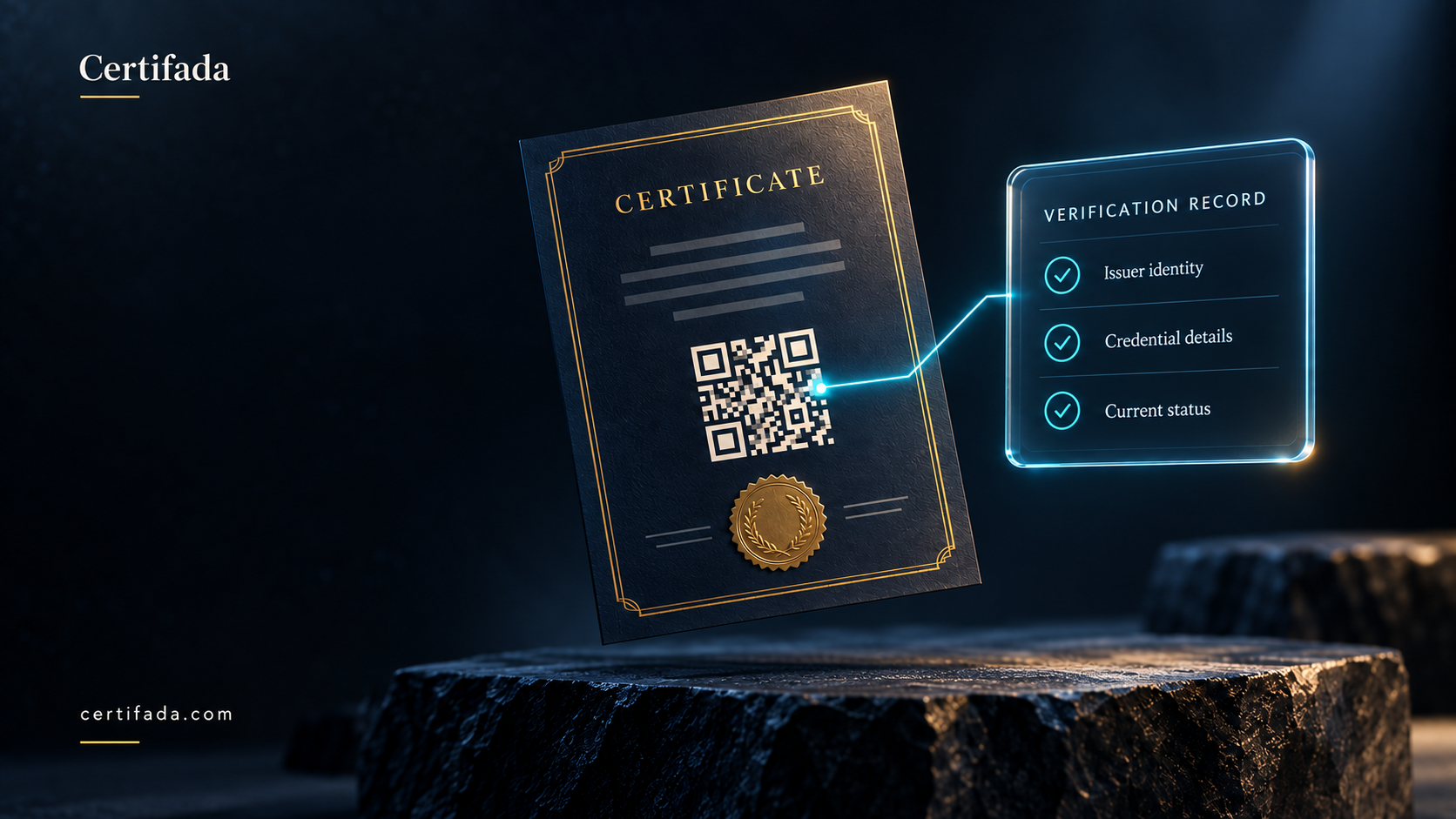
Somewhere in the last five years the QR code became the symbol of a trustworthy certificate. Scan it, something opens, and everyone relaxes. Institutes print one on every certificate. Buyers ask for one in every tender. Recruiters treat it as the difference between a real credential and a pretty picture.
It is not. A QR code is an address, nothing more. It can be generated in five seconds by anyone, and it can point anywhere its author chooses. Whether the certificate behind it is real depends entirely on what is at the other end of that address, and most of the time, what is there proves nothing at all.
This article is about the difference between a link and a proof, and how to tell them apart in under a minute.
What a QR code actually is
A QR code is a URL printed as a pattern. Your phone reads the pattern, gets the URL and opens it. That is the whole mechanism. The code has no opinion about whether the page it opens is honest; it does not know who made it; it carries no signature and no record.
Which means a forged certificate can carry a perfectly working QR code. The forger makes a page, puts the graduate's name on it, generates a code that points to it, and prints the code on the forgery. Scan it and something opens. Everyone relaxes.
So the question is never "does it have a QR code?". The question is "what does the code open, and who controls that?".
Four things that look like verification and are not
The code opens the same PDF. The most common case. The QR points to a copy of the certificate hosted somewhere. Scanning it proves that the file exists on the internet. It does not prove who put it there, whether the institute recognises it, or whether it was revoked last year. A forger can host a PDF as easily as anyone.
The code opens a page on the institute's own website. Better, and still not a proof. The page is written and edited by the institute, so it can be changed, backdated or deleted at will, and it disappears the day the website is not renewed. A verifier also has to know what the institute's real domain is, and a lookalike domain costs a few dollars. Most people scanning a code do not check the address bar.
The code opens a social media post. A LinkedIn post proves that someone posted. It says nothing about the issuer.
The certificate has a hologram, a stamp or a "verified" mark printed on it. A visual feature on a document is part of the document. Anything printed can be reprinted. With generative tools, a convincing seal, signature and layout now take seconds, so the design of a certificate carries no proof value whatsoever. If the proof is on the paper, there is no proof.
None of these is a scam by intent. They are what an institute does when it wants to look modern and has not been told what verification actually requires.
What a proof has to have
A credential is verifiable when a stranger, with no relationship to the issuer, can establish that the issuer really made this claim about this person, and that the claim still stands. Five things follow from that.
- A record that is not the document. The proof lives in a record held outside the certificate file and outside the issuer's editable website, on a platform whose job is to hold such records. The verifier sees the record, not a copy of the artwork. The artwork can be reprinted; the record cannot.
- An issuer whose identity was checked. The page must say who issued the credential, and that identity must have been established by someone other than the issuer, by verifying the organisation's domain or business identity. Otherwise "Issued by Cambridge Institute" is just text.
- A status that is honest over time. Revoked must show as revoked, not vanish. Expired must show as expired. Corrections must be visible as corrections. A record that can quietly change is not a record.
- A form a machine can check. A page a human reads is not enough; the claim should be available in an open format that any validator can fetch and test. Open Badges 2.0 does exactly this: the badge carries a hosted assertion, with the issuer and the recipient bound into it, which any compliant tool can verify without trusting the page it came from.
- A record that outlives the issuer and the subscription. Institutes close, rebrand and stop paying for software. The graduate still needs proof in ten years. If verification can be switched off, it was never a proof, it was a service.
Certifada is built on these five: every credential resolves to a record on the platform, not to a file; issuers pass identity verification before the verified mark appears; revoked and expired credentials say so; every badge is a valid Open Badge with a hosted assertion; and verification is free and stays up forever.
How to test any certificate in sixty seconds
For recruiters, admissions officers and anyone else who has to decide whether to believe a certificate:
- Scan the code and look at the address bar. Is the page on an independent verification platform, or on the issuer's own site, or a file? The first is a record. The other two are copies.
- Look for the issuer's verification mark. Independent platforms show whether the issuer's identity has been confirmed. No mark means the name at the top is unverified.
- Look for the status and the dates. A real record states valid, expired or revoked, with issue and expiry dates. A page that only shows a name and a design is a poster.
- Change one character in the address. A record has an unguessable identifier; a wrong one should return nothing. If nearby addresses open other people's certificates or anything at all, the "record" is a folder.
- Ask for the badge. For anything that matters, ask the holder for the Open Badge version and drop it into a public validator. A real badge passes. A picture fails.
Five steps, one minute, no account. If a certificate cannot survive that, it should not be used to make a hiring decision.
How to make sure your own certificates pass
For issuers, the fix is not a better QR code. It is putting a record behind it.
- Issue through a platform where the QR resolves to the credential record, not to a file you host.
- Complete issuer verification so the mark appears on every page you issue.
- Print the QR on the physical copy as well; the paper then points at the proof instead of pretending to be it.
- Enable Open Badges for professional programmes, with the criteria written in.
- Stop paying for holograms and foil. They reassure people who do not check, and they mean nothing to people who do.
You can see the difference on the verify page: open any Certifada credential and try the five steps above. The guide to issuing verifiable certificates walks through the setup from the issuer's side.
The short version
A QR code is a promise that there is something to check. The record behind it is the proof. Most certificates today make the promise and skip the proof, and until now nobody minded, because forging a good-looking document was hard. It is not hard anymore. From here on, the only certificates worth issuing are the ones where scanning the code opens a record that would still hold up if the paper were burned.

Related articles
 Digital credentials
Why certificate verification is free forever on Certifada (and why your credentials outlive your subscription)
Two guarantees most credentialing platforms do not make: verification is never metered or rate-limited, and every credential stays verifiable even after the issuer stops paying. Here is why, how it works, and what to ask any vendor.
Certifada Team 5 min read Guides
Your certificate is also your best marketing channel, and you are wasting it
Every certificate you issue is opened by employers, institutes and clients at the moment they decide to trust you. A PDF gives them a logo and gives you nothing back. Here is how a live verification page turns that moment into a channel, what its traffic tells you, and how to get graduates sharing.
Certifada Team 7 min read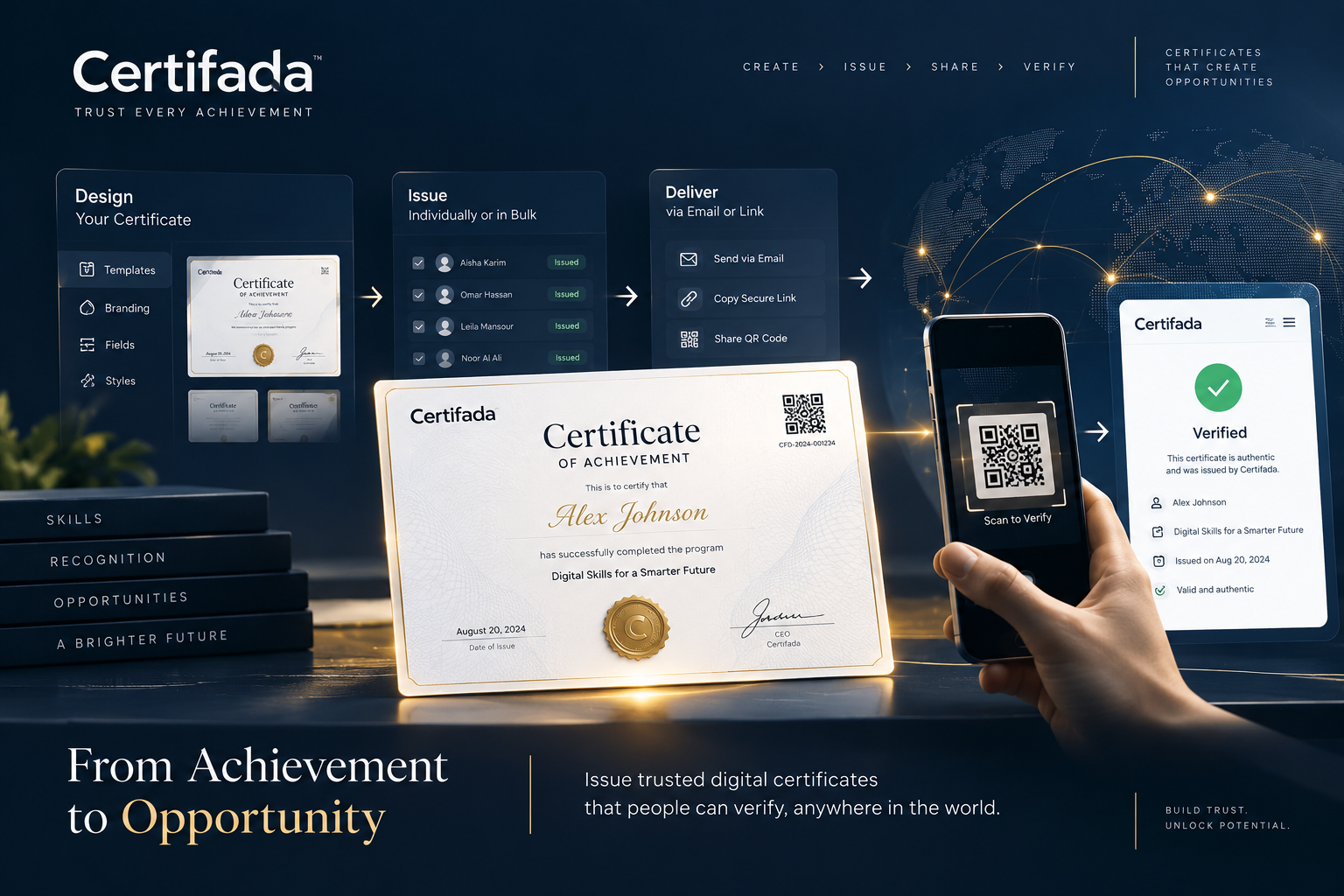 Guides
How to issue verifiable digital certificates: a practical guide
What makes a certificate verifiable, and how to get there: a reusable template, bulk issuance from a spreadsheet, wallet delivery, and a public verification page anyone can check in seconds.
Certifada Team 5 min read